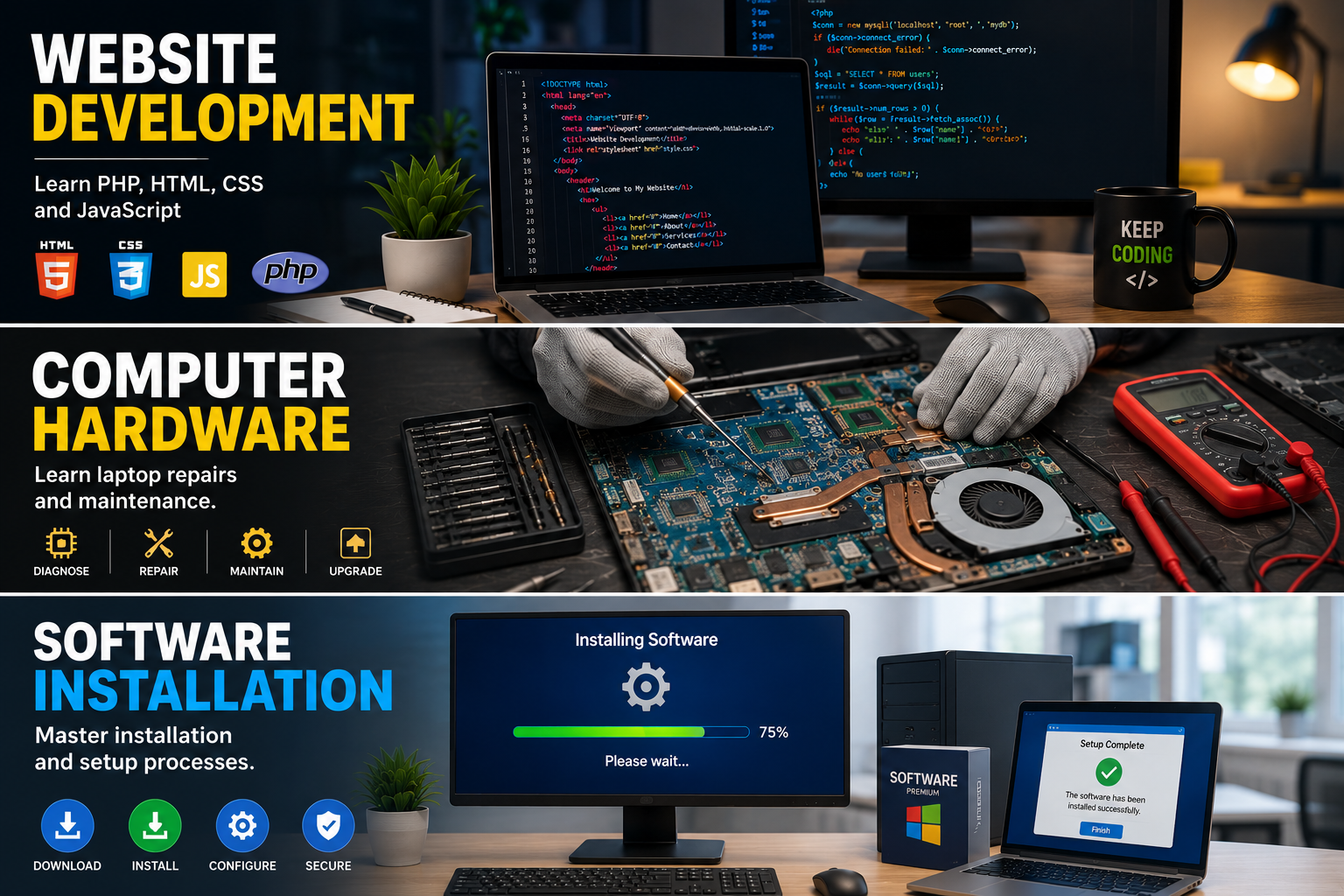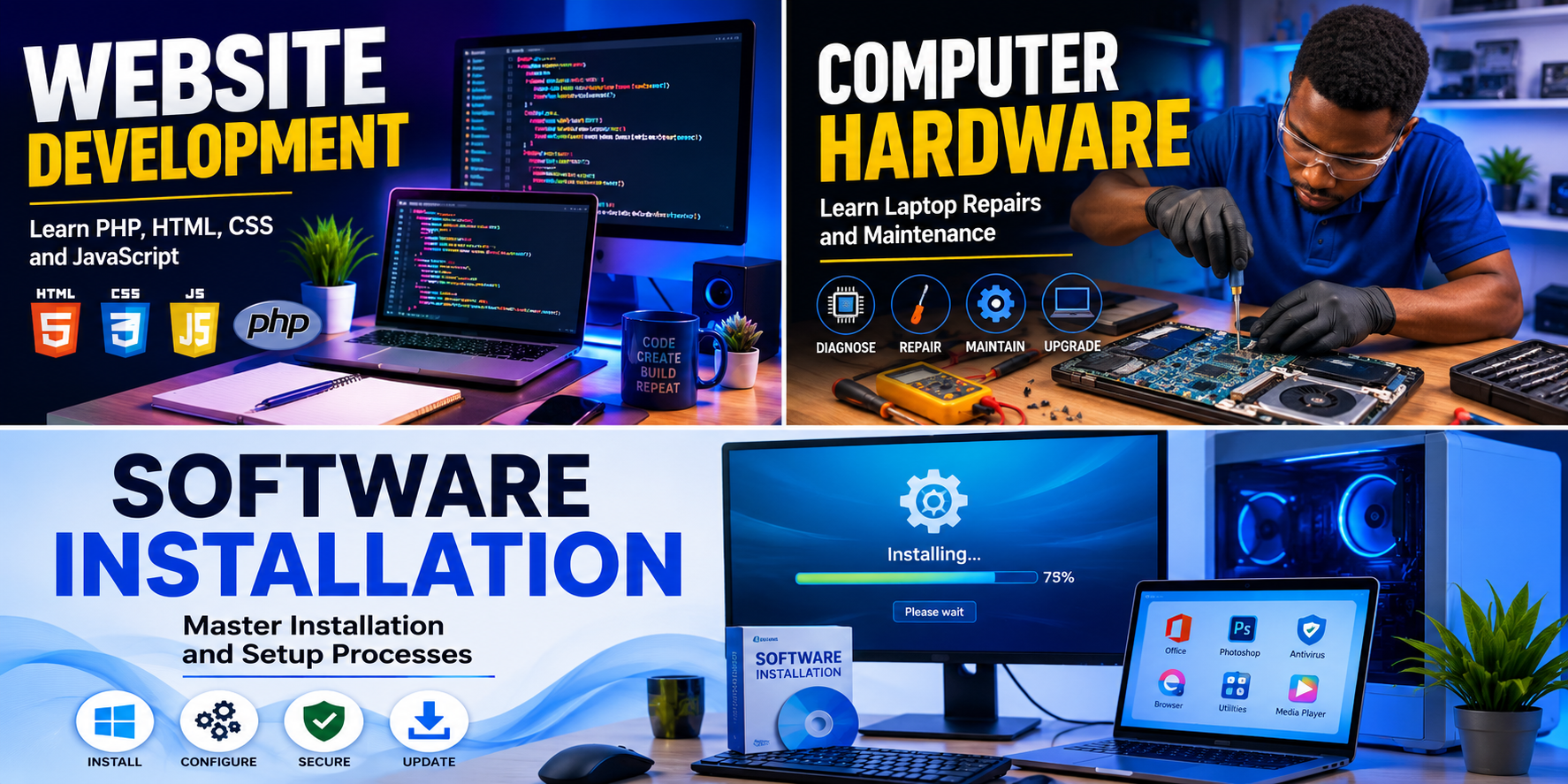
Master installation and setup processes.
Software installation is the process of adding programs and applications to a computer system. Proper installation ensures that software works correctly and securely.
Types of software include:
Operating Systems:
Examples include Windows, Linux, and macOS.
Application Software:
Programs such as Microsoft Office, Adobe Photoshop, web browsers, and accounting software.
Utility Software:
Antivirus programs, backup tools, and disk management utilities.
Steps for Installing Software:
1. Download the software from a trusted source.
2. Verify system requirements.
3. Run the installation file.
4. Accept the license agreement.
5. Choose the installation location.
6. Complete the installation wizard.
7. Restart the computer if required.
8. Launch and configure the software.
Best Practices:
* Always download software from official websites.
* Keep software updated.
* Use antivirus protection.
* Remove unused programs.
* Create backups before major installations.
Troubleshooting Installation Problems:
* Check available disk space.
* Verify internet connection.
* Run the installer as administrator.
* Disable conflicting software temporarily.
* Update operating system components.
Learning software installation helps users manage computers effectively and solve common application issues.
Learn directly from this tutorial video.